↔
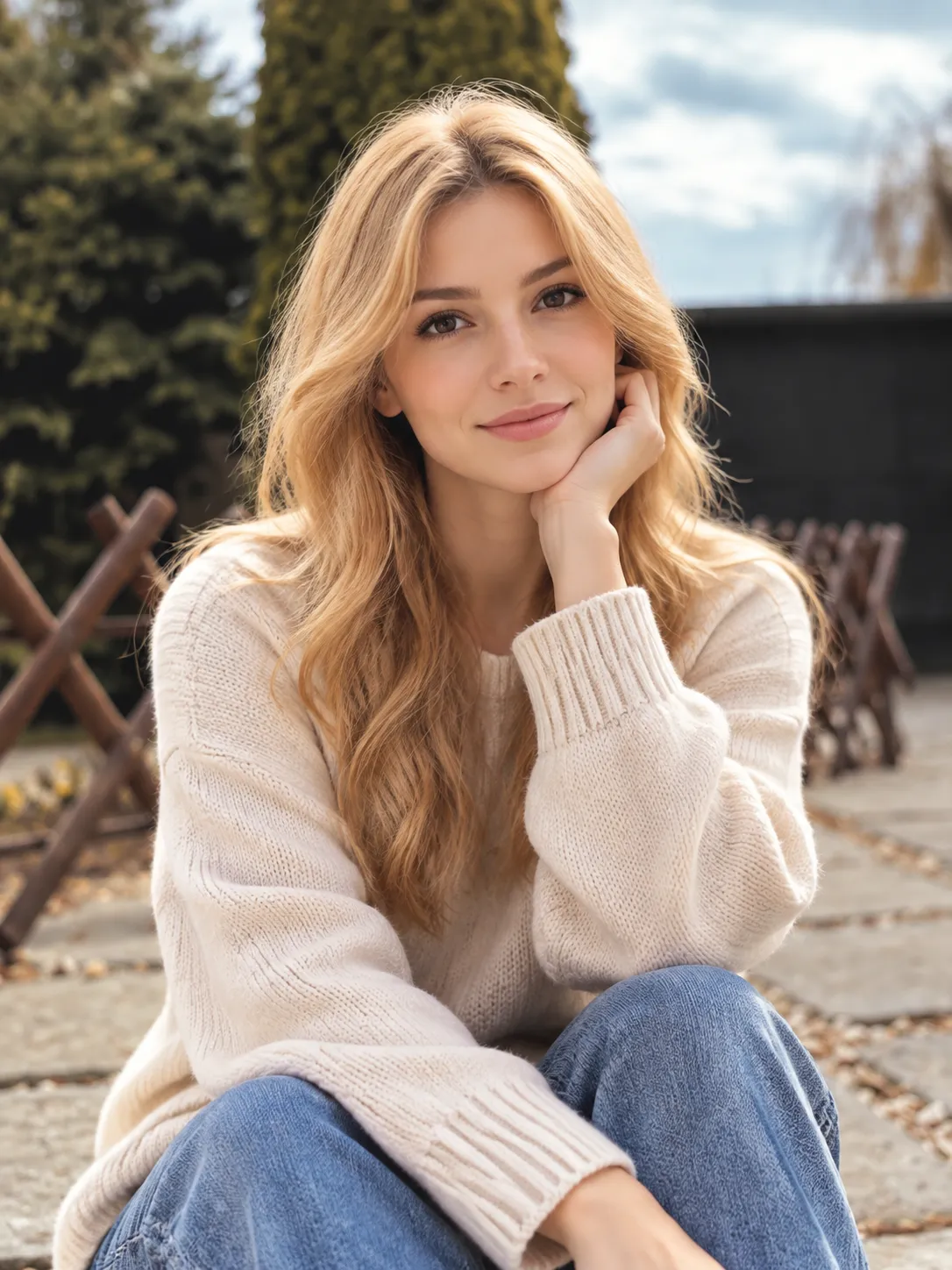
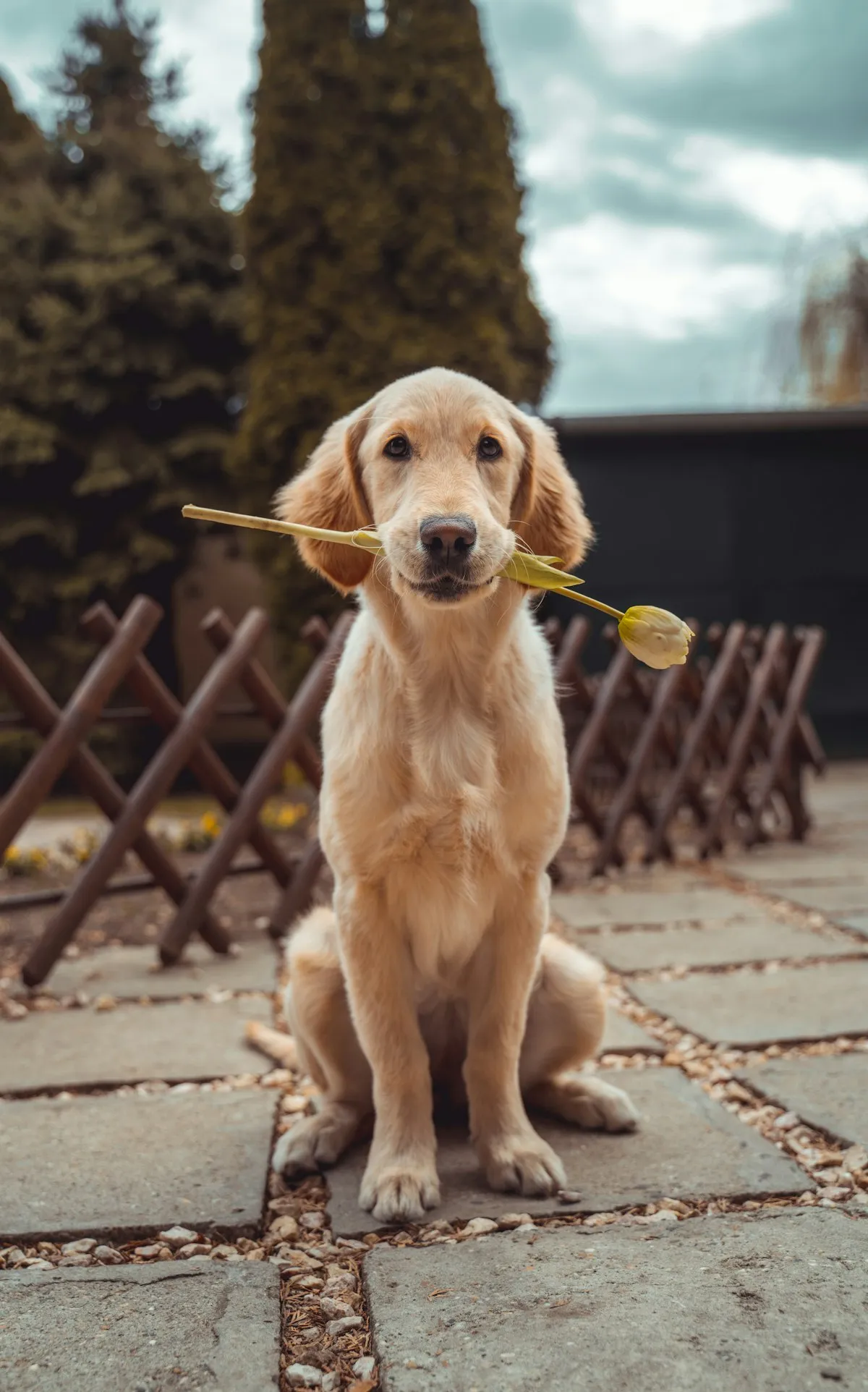
BeforeAfter
AI Pet to Human
Upload one pet photo, choose gender and age, and create a realistic human portrait that still follows the animal in the picture.
Show us your pet
Upload a clear photo of your dog, cat, or other companion.
JPG / PNG / WEBP
JPG, PNG, or WebP
Gender
Age
Higher resolution takes longer
After the free generation, this uses 20 credits
Sign in to use your daily free generation.
1 free generation every day
Your pet creation will appear here
Drag the divider to compare the pet photo with the human portrait.
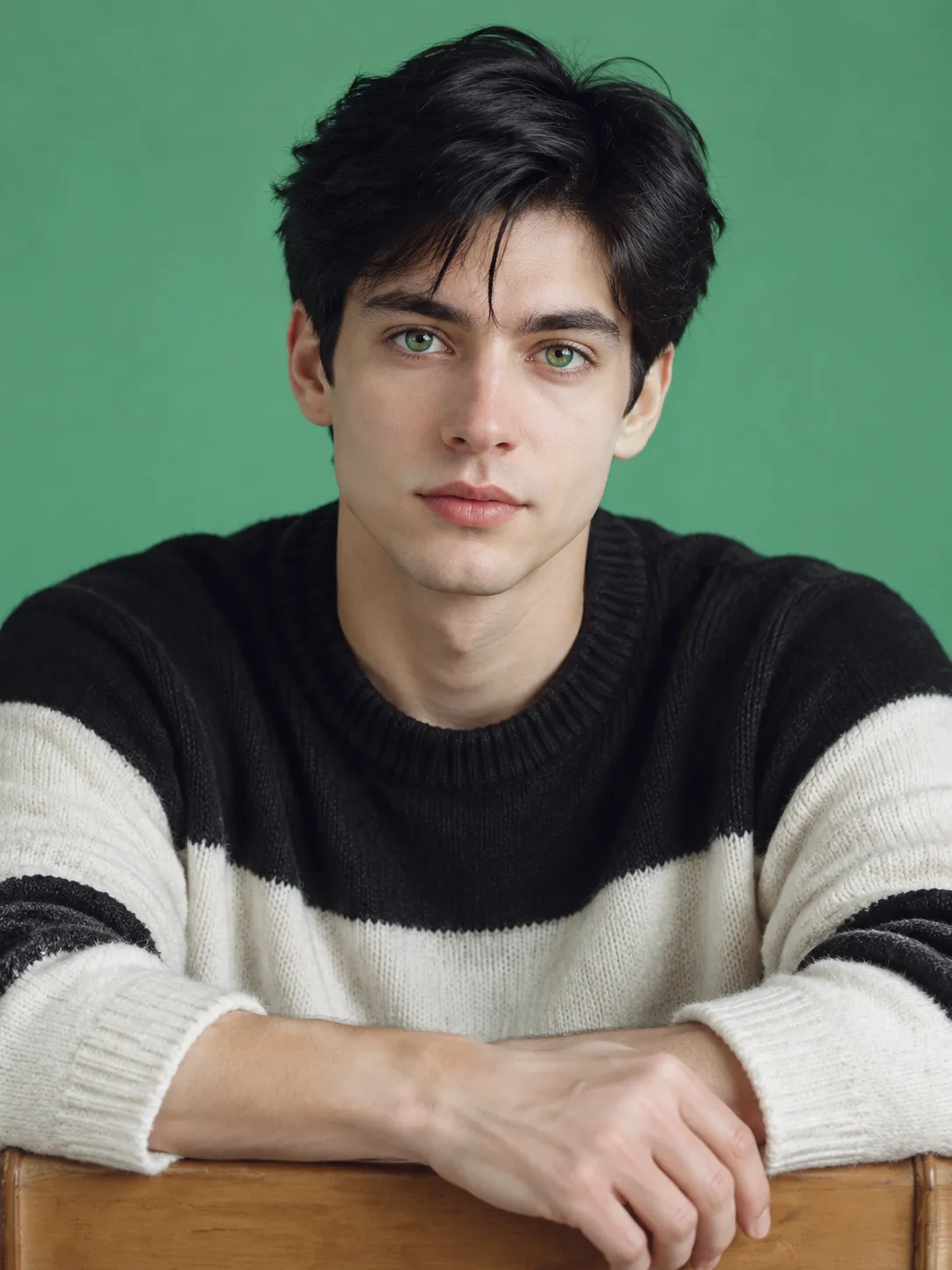
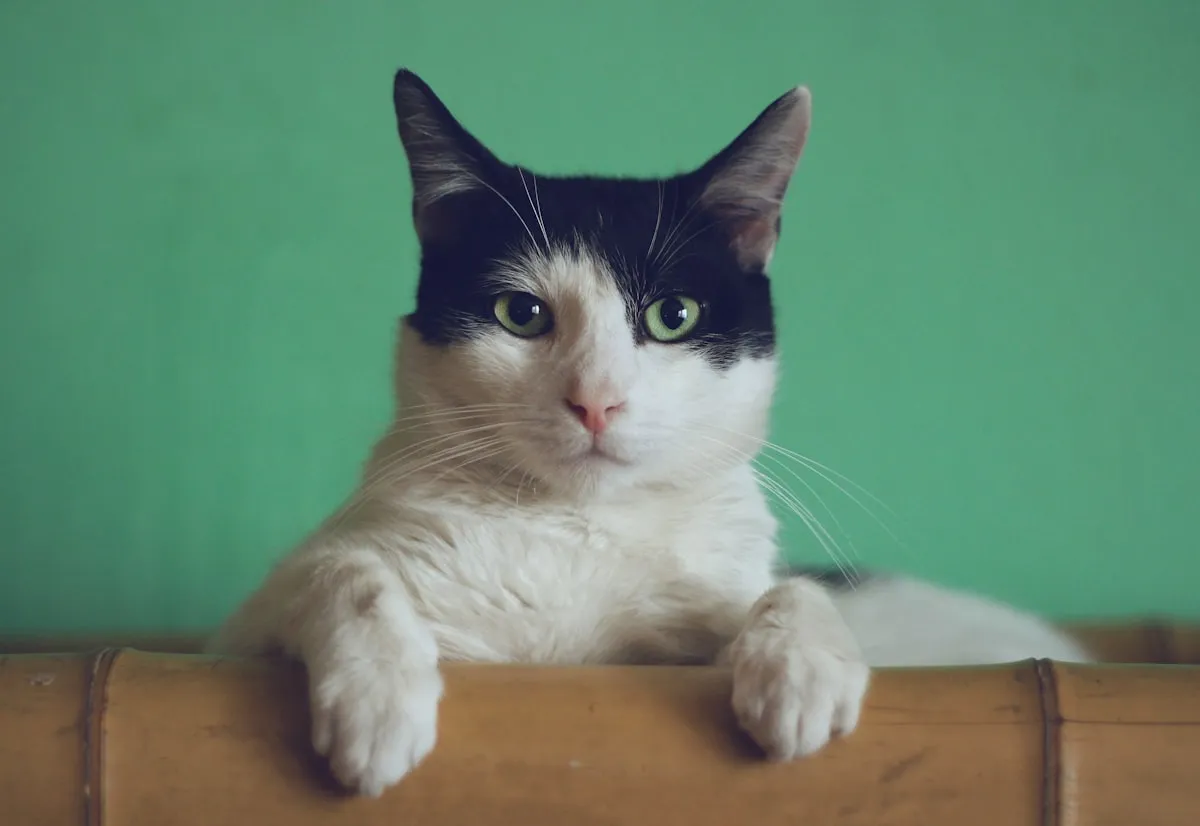
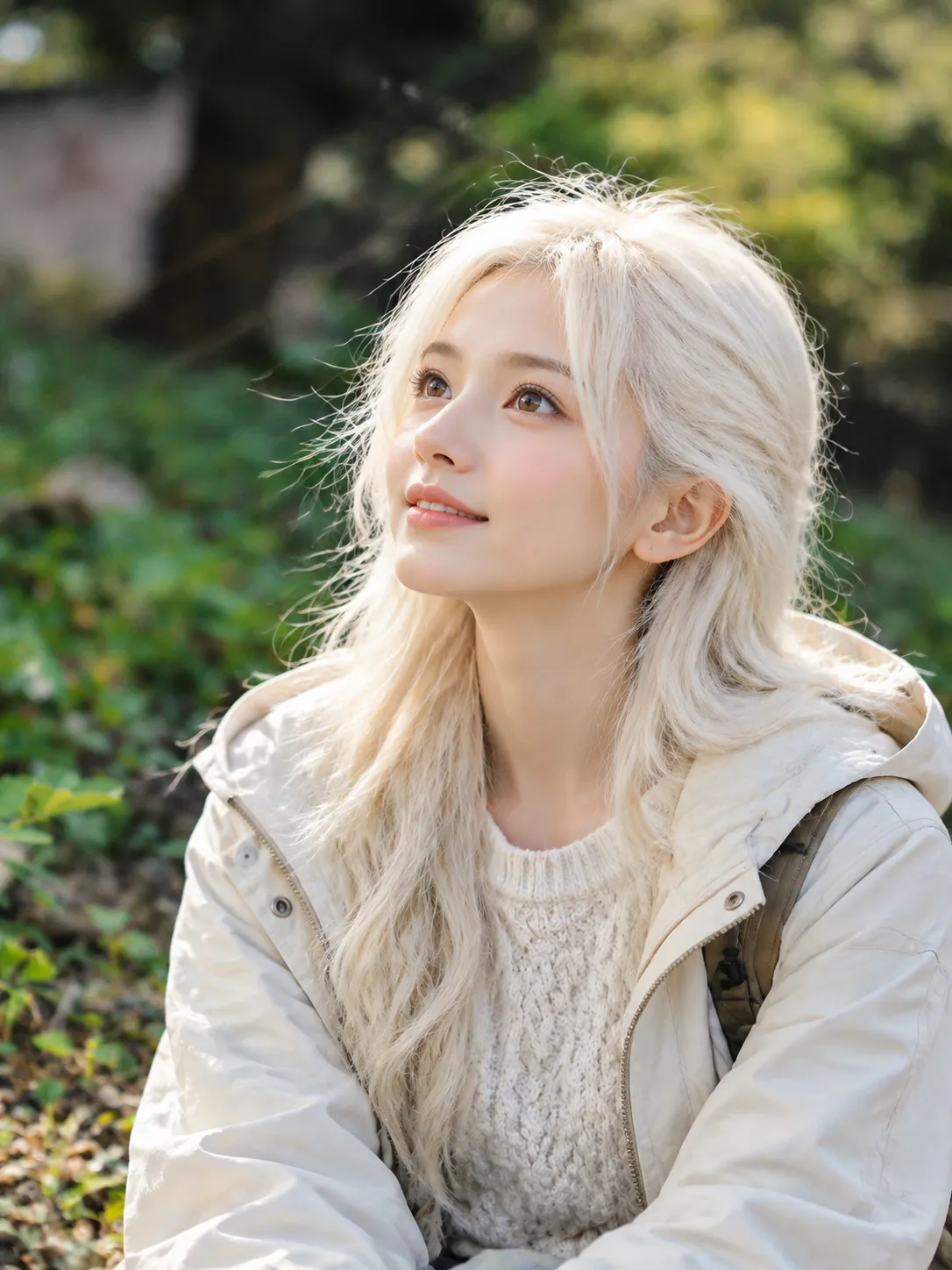
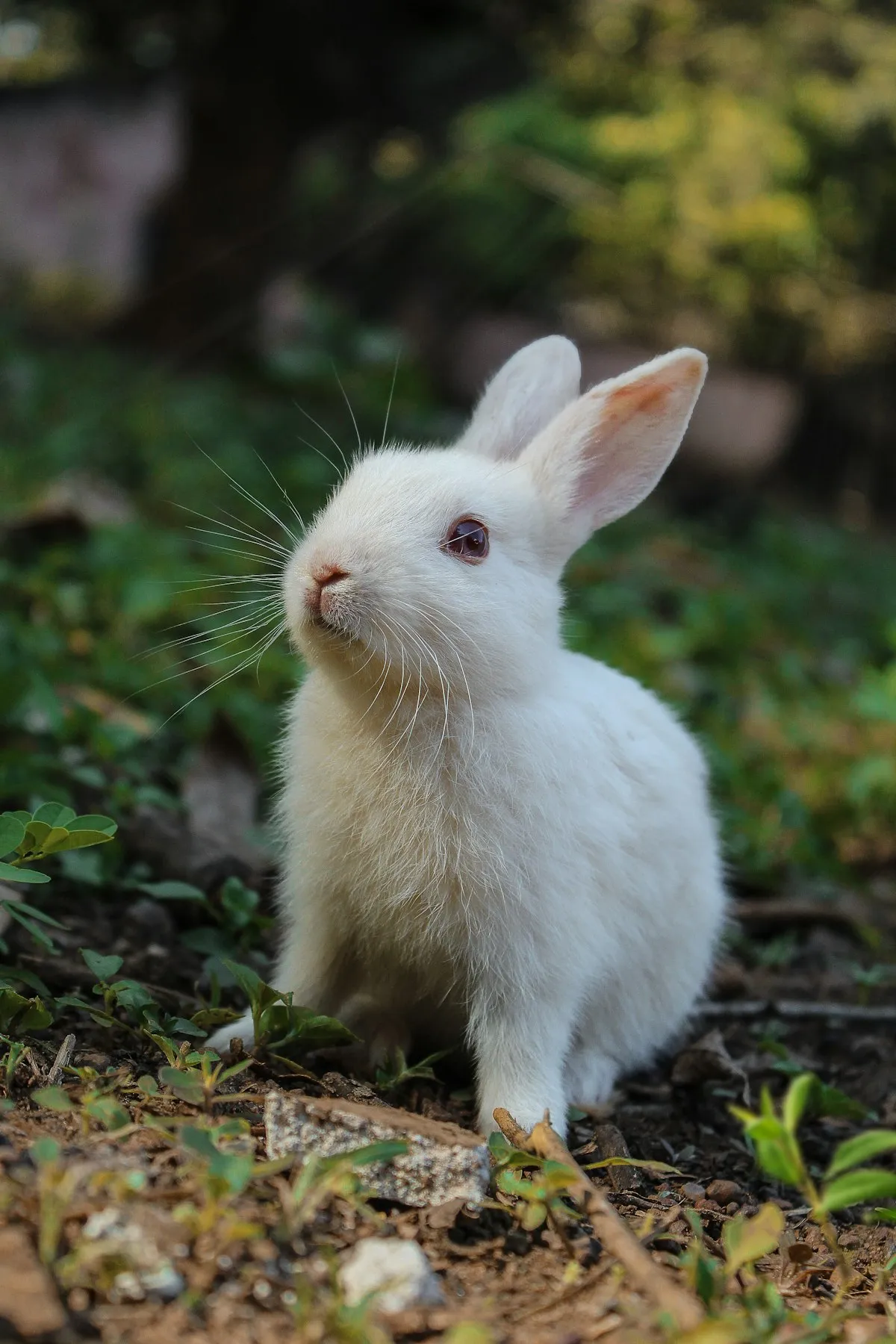
The human portrait follows the photo you upload. These starting points are easier to read.
Leave gender on Auto, or choose Male or Female before you generate.
Choose Auto, Baby, Teen, Adult, or Senior. Baby and Teen stay fully clothed family portraits.
The prompt asks the model to keep color, markings, expression, and personality from the uploaded pet.
AI Pet to Human on this page takes three steps.
Add one JPG, PNG, or WebP photo. The portrait is created from that picture.
Auto is selected for both. Change either one if you want a specific human portrait.
Notes are optional. If you leave them blank, AIPetGen still generates from the photo and the options you chose.
Every user gets 1 free image generation each day. After you use it, the next free generation is available tomorrow.
AI Pet to Human turns one pet photo into a realistic human portrait. You choose gender and age, or leave both on Auto, and AIPetGen creates the portrait from that photo.
Upload a JPG, PNG, or WebP photo. The generator uses that picture as the reference, then builds a human portrait that follows visible traits such as color, markings, and expression.
Yes. Gender can be Auto, Male, or Female. Age can be Auto, Baby, Teen, Adult, or Senior. Auto leaves that choice to the photo instead of forcing one option.
Use a clear photo with the pet's face visible, decent light, and one pet near the center. Blur, darkness, and several pets in one frame make the human portrait less reliable.
One pet per photo works best. Upload a separate photo for each pet if you want a human portrait of more than one animal.
Each user gets 1 free image generation every day. After that free generation is used, another image on the same day uses credits if the account has them. It is not unlimited.
Yes. After the portrait is created, use Download on the result.