











































AI Pet Portrait vs AI Pet Photo: Which Generator to Use
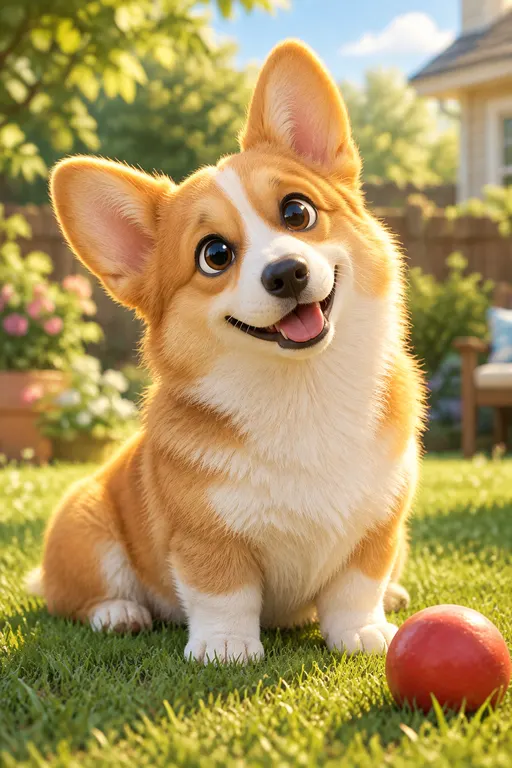
On AIPetGen an AI pet portrait is a styled picture of your dog or cat, made on the portrait generator from one upload and one of six styles. An AI pet photo is any still image of that same animal, including scenes and character looks you build in [Create](/). A printable line-art sheet is a different job: photo to coloring page. A pet AI generator on this site is the studio as a whole: Create for stills, the portrait tool for a short portrait path, and Animate for video.
People type ai pet photo generator and pet ai generator when they want a new picture from a photo they already have. The right page depends on how much control you want. The portrait tool picks the style for you. Create waits for a scene. Animate spends credits and returns a clip.
What each AIPetGen generator is for
Portrait tool, Create, and Animate on AIPetGen
| Job | Portrait generator | Create | Animate |
|---|---|---|---|
| Starting point | Pet photo required | Photo or a written description | Text, still, or both |
| Output | Styled portrait | Still image: scene, character, or portrait | Short video, 1 to 15 seconds |
| Style control | Six fixed styles | Prompt plus 100 pet templates | Motion and length you name |
| Free allowance | 1 image a day at 1K after sign-in | Signed-in daily 1K image quota | None. Video always uses credits |
| 2K and 4K | Credits | Credits | Resolution options use credits |
| Best when | You want a head-and-shoulders portrait in one style | You want a place, outfit, or story around the pet | You want a few seconds of movement |
AI pet photos free on AIPetGen is that signed-in daily 1K still. It applies to the portrait generator and to Create. It does not apply to Animate. How to make a free AI pet portrait walks through the portrait path and the reset time.
When to use the portrait generator
Use the portrait generator when the picture you want is the pet, close in, in one look: studio light, watercolor, oil paint, cartoon, anime, or royal clothing. You upload, tap a style, and generate. A prompt can sit on top of that style. You do not have to write one.
This is the page to open if you searched for an AI pet portrait and you already have a clear photo. The generator is instructed to keep that animal as the subject. It does not start from a library dog.
A profile picture from a phone photo
A gift portrait in watercolor or oil
A royal court look without writing a long costume prompt
A second try of the same photo in a different style
When to use Create, the broader pet AI generator
Use [Create](/) when the pet should be somewhere, wearing something, or turned into a character. Home Create is the open pet AI generator on AIPetGen. You describe the place, the light, the camera distance, and any props. You can also pick one of the 100 pet templates, including Classic Art and Royal Portraits that go further than the six portrait styles.
Create is the closer match for an ai pet photo generator search if you want a full scene: a knight on a drawbridge, a garden, a studio set you cannot build at home. The portrait tool will still make a picture from the same upload, but it stays on those six looks.
FAQ
Is the AI pet photo generator a different site from the portrait tool?
No. Both live on aipetgen.com. The portrait generator is /ai-pet-portrait-generator. Create is the home studio. They share the same account, credits, and daily 1K still allowance.
Which page should I use for a pet AI generator that makes video?
Animate. Video has no free tier. Length and resolution change the credit cost, and the screen shows that estimate before a clip starts.
Can I take a portrait into a scene later?
Yes. Download the portrait, then upload it in Create or send a still from Gallery into Animate after you sign in.
Create a free pet portraitSix styles, one upload, 1 free 1K image a day.